 SkyPress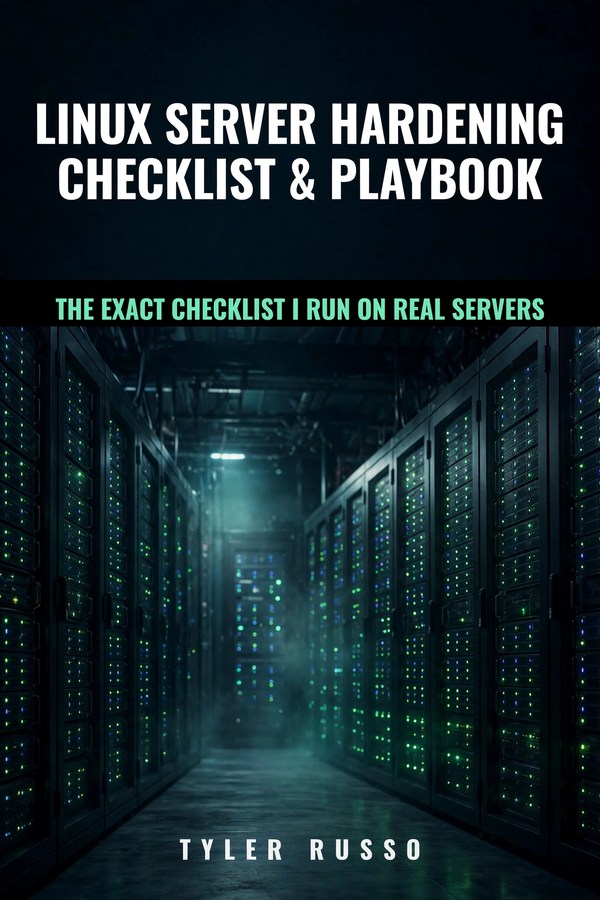
Linux Server Hardening Playbook
46 ordered checkpoints for securing a Linux server, with every command tested on real production servers running Ubuntu 22.04 and 24.04. Start with the 30-minute emergency lockdown, then work through the full checklist.
PDF you keep forever · Free updates for life · 7-day refund · Updated October 3, 2026 — v8
Every checkpoint, in order.
Part 1: The 30-Minute Emergency Lockdown
- Update everything first
- Create your non-root user
- SSH keys — set up, test, then disable passwords
- Firewall — UFW, four rules
- fail2ban — the automatic banhammer
- Automatic security updates
Part 2: The Full Hardening Checklist
- User accounts
- SSH config (beyond Part 1)
- Firewall rules (beyond Part 1)
- fail2ban jails (beyond Part 1)
- Unattended upgrades
- Kernel / sysctl tweaks
- File permissions
- Exposed services audit
- .env / .git / config exposure
- HTTPS / HSTS / security headers
- Backups that actually restore
- Log monitoring
- Web application basics
Part 3: After the Checklist
- The monthly 30-minute routine
- Quarterly deeper checks
- What to do when something breaks
Appendix: Copy-Paste Reference
- sshd hardening config
- fail2ban jail.local
- sysctl hardening tweaks
- Nginx and Apache security headers
- UFW quick reference
- Verification one-liners
- Rollback notes
Frequently asked.
Will this work on my cloud server?
Yes — and that's where most guides get it wrong. The playbook covers the cloud-image gotcha where the provider's default SSH config overrides yours (on Ubuntu cloud images, 60 beats 99 — the file needs to be 10-hardening.conf, not 99). Every command was tested on real Ubuntu 22.04 and 24.04 servers.
What Ubuntu versions does this cover?
Ubuntu 22.04 and 24.04. Every command in the playbook was typed and verified on real servers running both versions, including cloud images from major providers.
Do I need to be a Linux expert to follow this?
No. Each checkpoint explains what you're doing and why, in plain language. If you can SSH into a server and paste a command, you can follow this playbook.
How long does the full checklist take?
About 2–3 hours on a fresh server. It's ordered so the highest-impact steps come first — you can stop after the first section and already be meaningfully more secure.
Will this break my running services?
Shouldn’t — every change includes rollback notes and a check step, and the playbook has you verify each change in a new terminal session before closing the old one. Follow the order and you won’t lock yourself out.
$19
7-day refund if it's not worth the money. ← Back to all playbooks