 SkyPress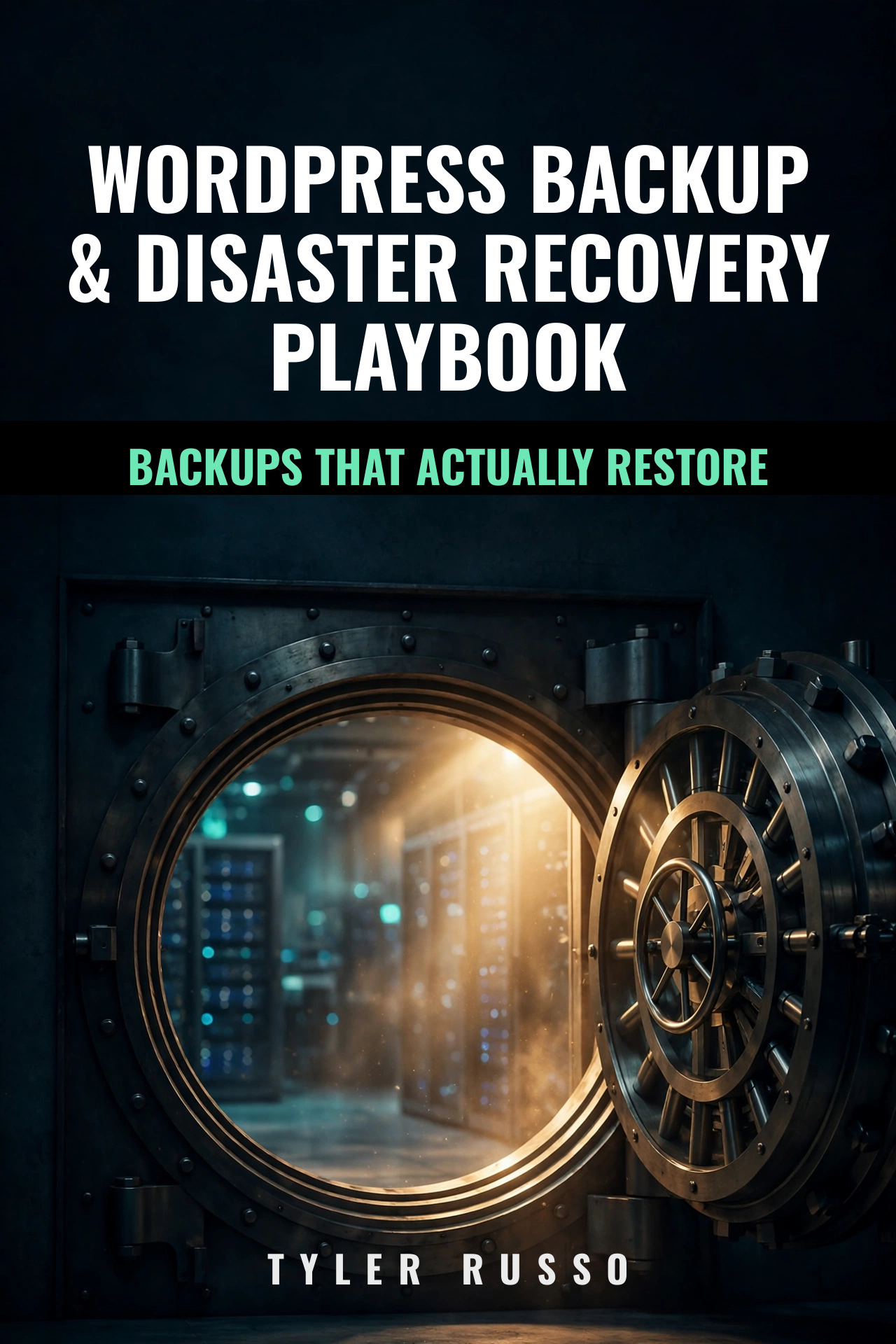
WordPress Backup & Disaster Recovery Playbook
Untested backups aren't real backups. A 40-checkpoint process across 7 zones: inventory what matters, automate the machine, then prove it all works with a restore drill — before you need it.
PDF you keep forever · Free updates for life · 7-day refund · Updated October 4, 2026 — v1
Every checkpoint, in order.
Before You Automate: Inventory (8 checkpoints)
- Full path to wp-config.php, written down
- Database credentials and access
- What's actually in the uploads folder
- Plugin and theme inventory
- Custom code outside version control
- DNS and domain registrar details
- SSL certificate source
- The recovery contacts list
The Machine: Automation (20 checkpoints across 4 zones)
- Zone 1: The database dump — mysqldump flags that matter
- Zone 2: The files archive — what to include, what to skip
- Zone 3: Schedule & rotation — automated, with retention that makes sense
- Zone 4: Offsite — encrypted copies somewhere that isn't your server
Proof: The Restore Drill (12 checkpoints across 3 zones)
- Zone 5: The restore drill — rebuild from backup on a scratch server
- Zone 6: The disaster runbook — step-by-step for the worst day
- Zone 7: Monitoring — know your backups ran without checking manually
Frequently asked.
I already have a backup plugin. Do I need this?
A plugin that creates backups isn't the same as a backup strategy. This playbook covers the full picture: what to back up, where to store encrypted copies offsite, how to monitor that backups actually run, and — most importantly — how to prove you can restore from them with a full drill.
How often should I test my backups?
Quarterly at minimum, and after every major change: host migration, PHP upgrade, or big plugin update. An untested backup is just a hope.
Where should I store backup copies?
Encrypted and offsite — never only on the same server as your site. If the server dies, local backups die with it. The playbook walks through setting up automated offsite copies.
My host already does backups. Isn't that enough?
Host backups protect the host, not you. You often can't trigger a restore yourself, can't verify the contents, and retention policies vary. Your own backup process is the only one you control.
$19
7-day refund if it's not worth the money. ← Back to all playbooks